- Heading and link to Trustpilot
- Main metrics (block with circle and number)
- Additional Metrics
- Filtering by Trustpilot data in search
- Summary
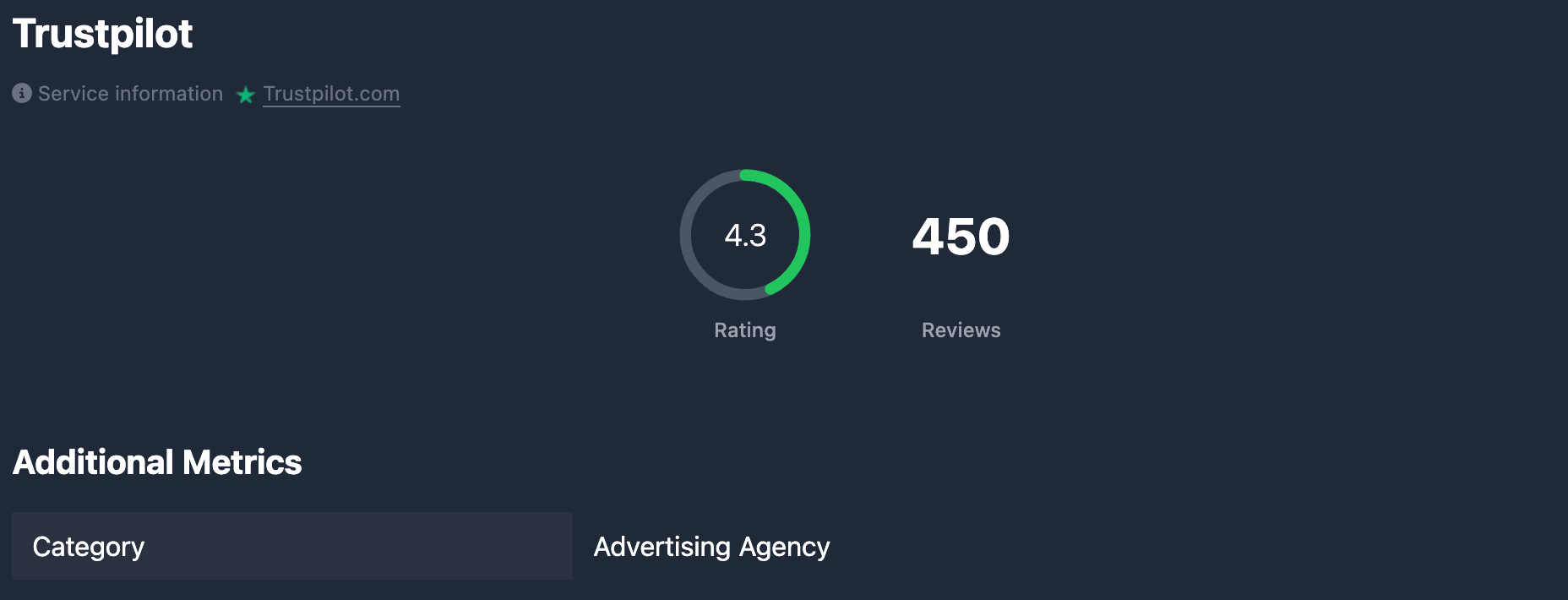
The Trustpilot tab in the domain report shows Trustpilot data for that domain: rating (score up to 10), number of reviews, and — when available — the company category. There is a link to the domain’s review page on Trustpilot. Data comes from Trustpilot; Karma.Domains shows the snapshot already fetched.
If the report has no Trustpilot data, the tab shows only the heading and the (no data) label. Other blocks are hidden.
Heading and link to Trustpilot
At the top of the tab there is the Trustpilot heading and short text that the data is from an external source, with a Trustpilot.com link. Clicking opens the review page for this domain on Trustpilot (https://www.trustpilot.com/review/domain.tld) in a new tab. In demo mode the link may be inactive.
Main metrics (block with circle and number)
One block shows two metrics:
Rating — a circular chart with a value from 0 to 10. This is the company’s average Trustpilot rating based on reviews. The circle color reflects the level: low (up to 4), medium (4–7), high (7–9 and above). If the rating is missing, a dash — is shown.
Reviews — the number of Trustpilot reviews for this domain. The number uses thousands separators. If data is missing, — is shown.
Additional Metrics
Heading Additional Metrics and one row:
Category — the company’s category on Trustpilot (e.g. “Online store”, “Travel”). If the category is missing or not retrieved, — is shown.
Filtering by Trustpilot data in search
Rating, review count, and company category on Trustpilot can be set when selecting domains in database tables — under Other filters (there is no separate “Trustpilot” tab in filters; conditions are described in the general article). For min/max and the category text field, see Other filters.
Summary
- The Trustpilot tab shows rating (0–10) and number of reviews, plus a link to the domain’s review page on Trustpilot.
- Under Additional Metrics, Category shows the company’s Trustpilot category.
- For filtering by rating, reviews, and category in search, see Other filters.