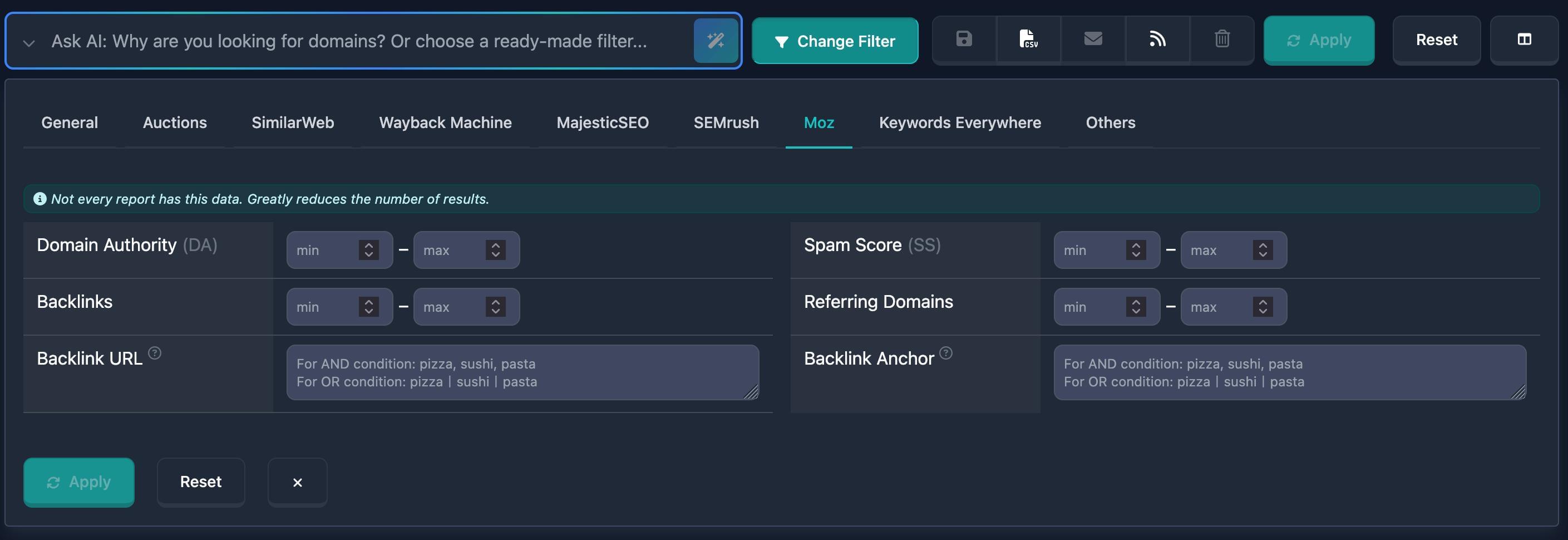
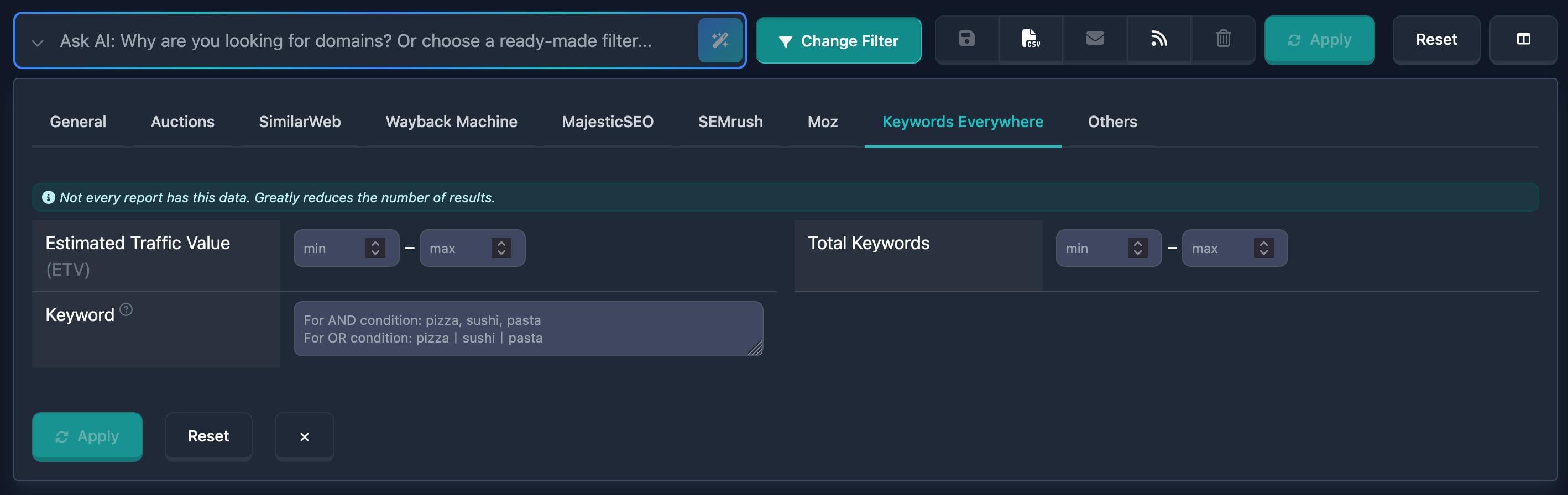
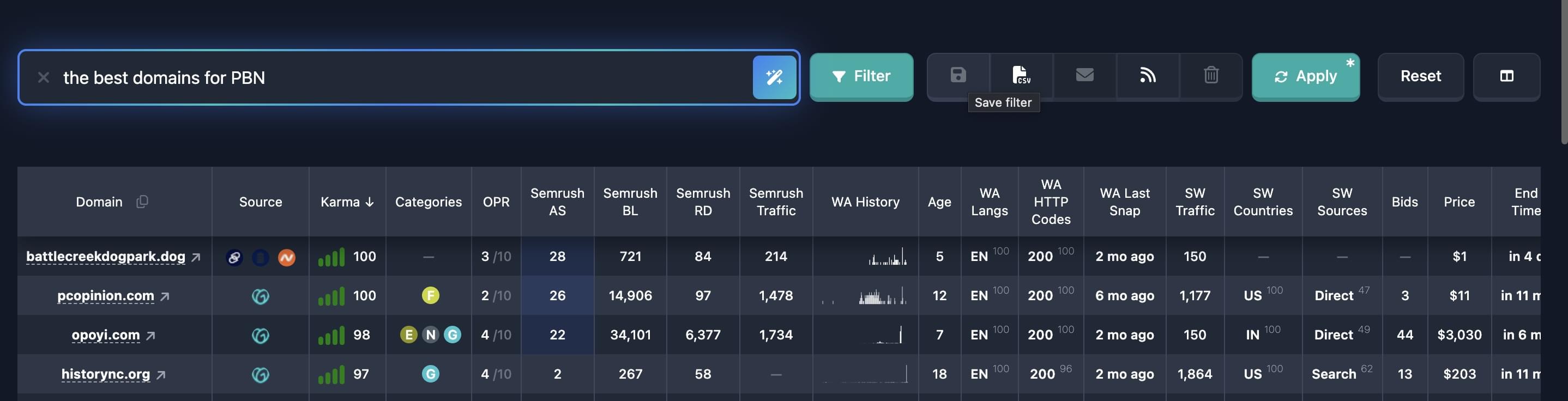
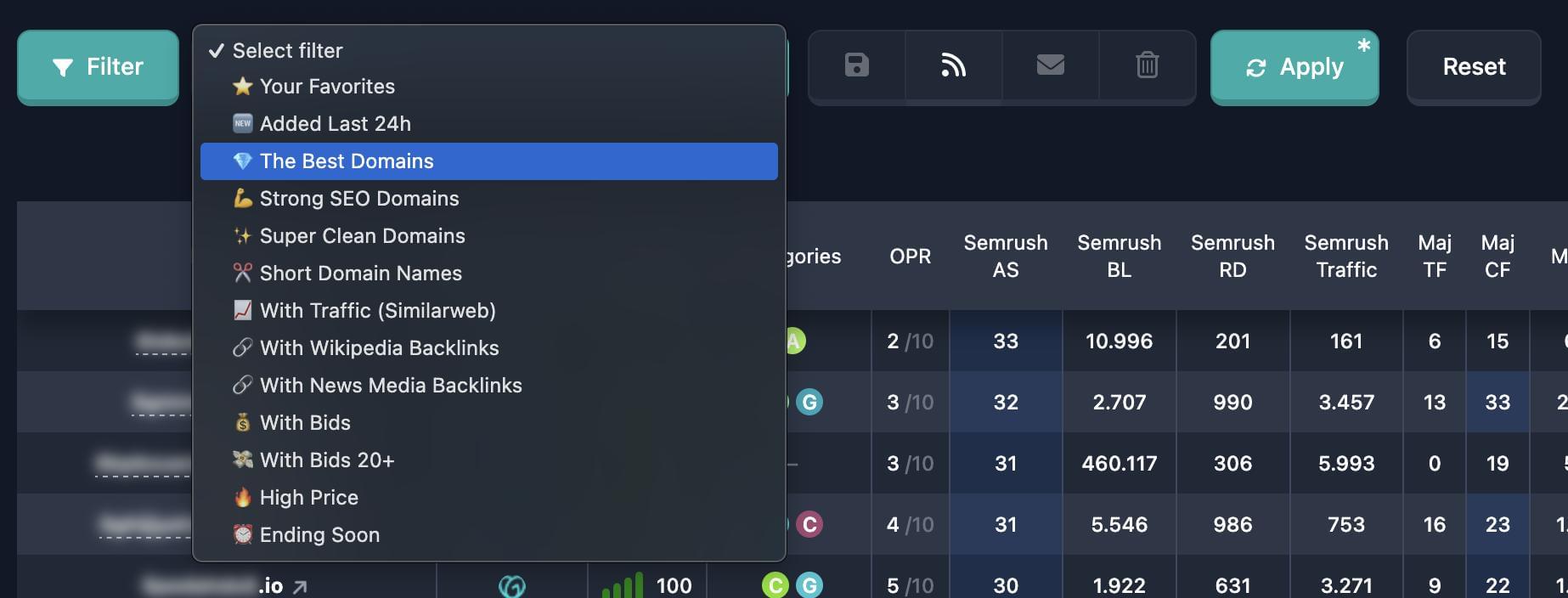
We've added Google-related filters so you can narrow down domains by how they appear in Google.
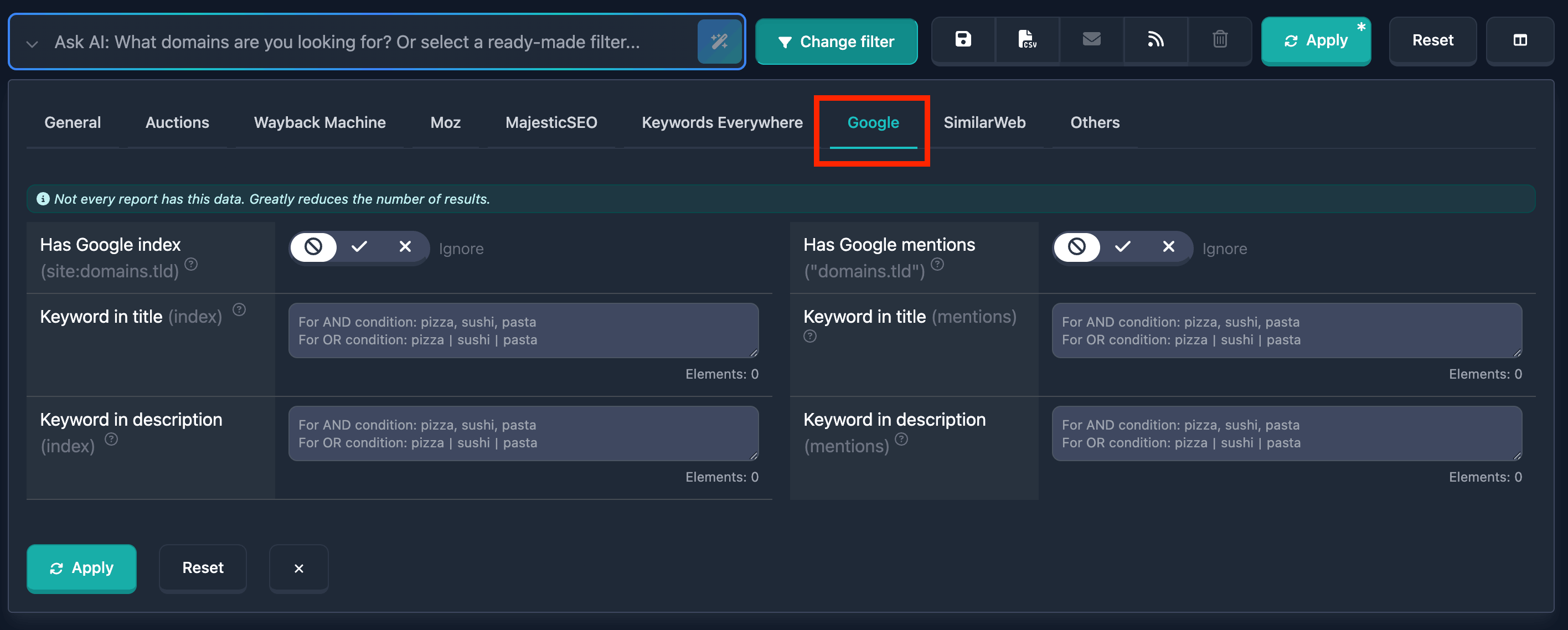
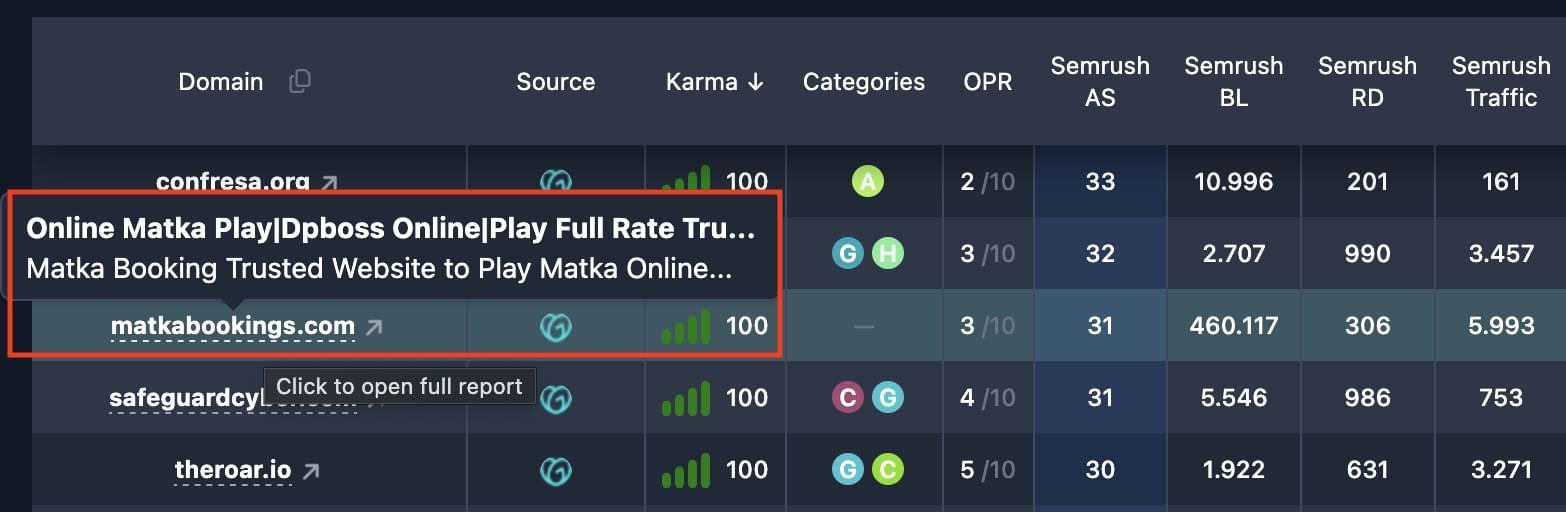
Index (site:domain) — find domains that have pages in Google’s index. Use keyword filters to search inside the title or description of the snippet.
Mentions ("domain.tld") — find domains that are mentioned on other sites; you can filter by keywords in the snippet title or description.
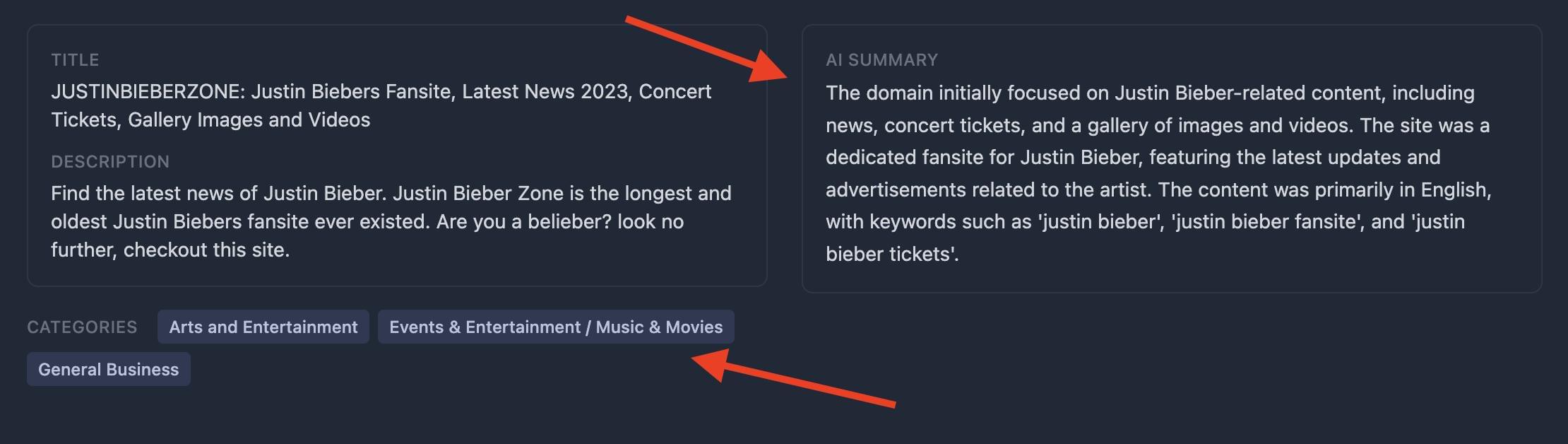
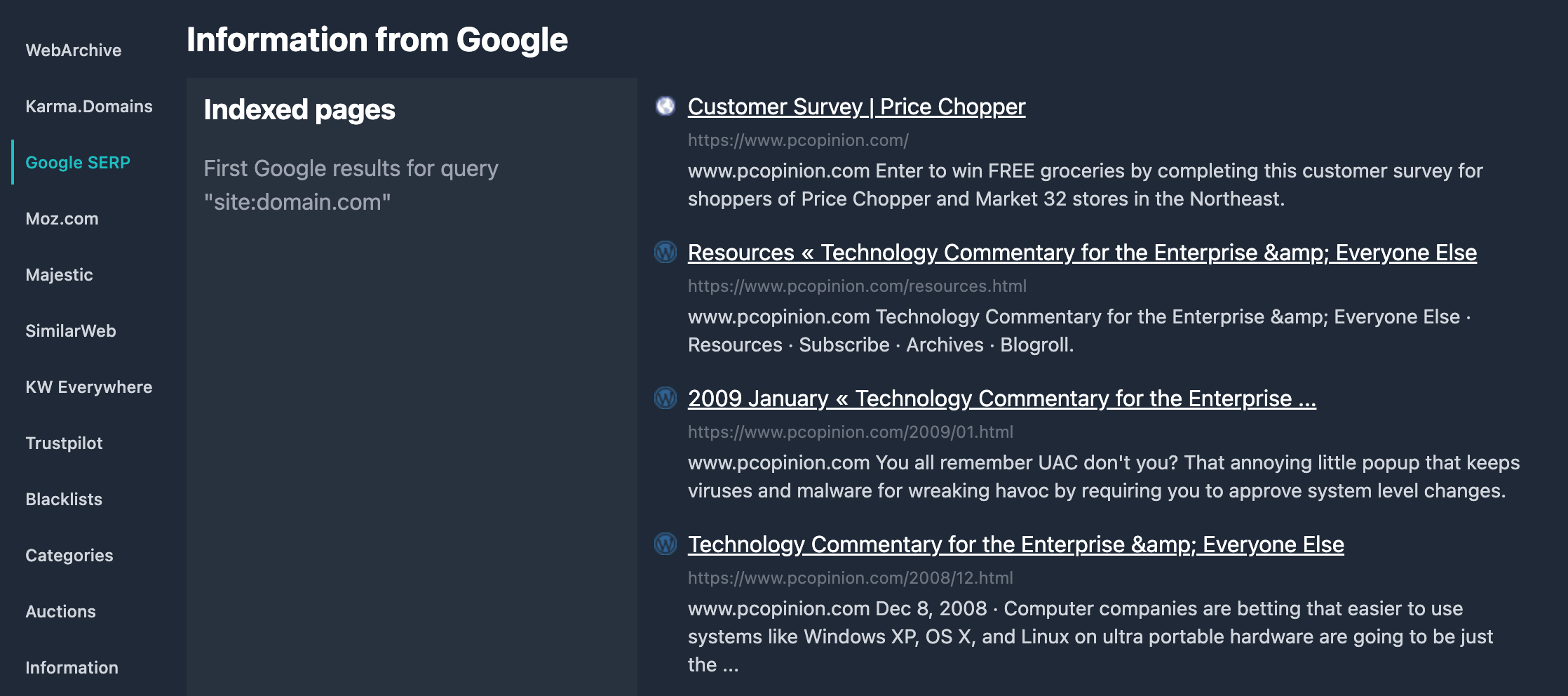
Google search results for the domain (both index and mentions) are also shown in each domain report. You see the snippets—titles and descriptions—and can open the full search in Google with one click.
All Google filters are available in the report filters. Use them to find domains by presence in Google or by how they’re mentioned across the web.