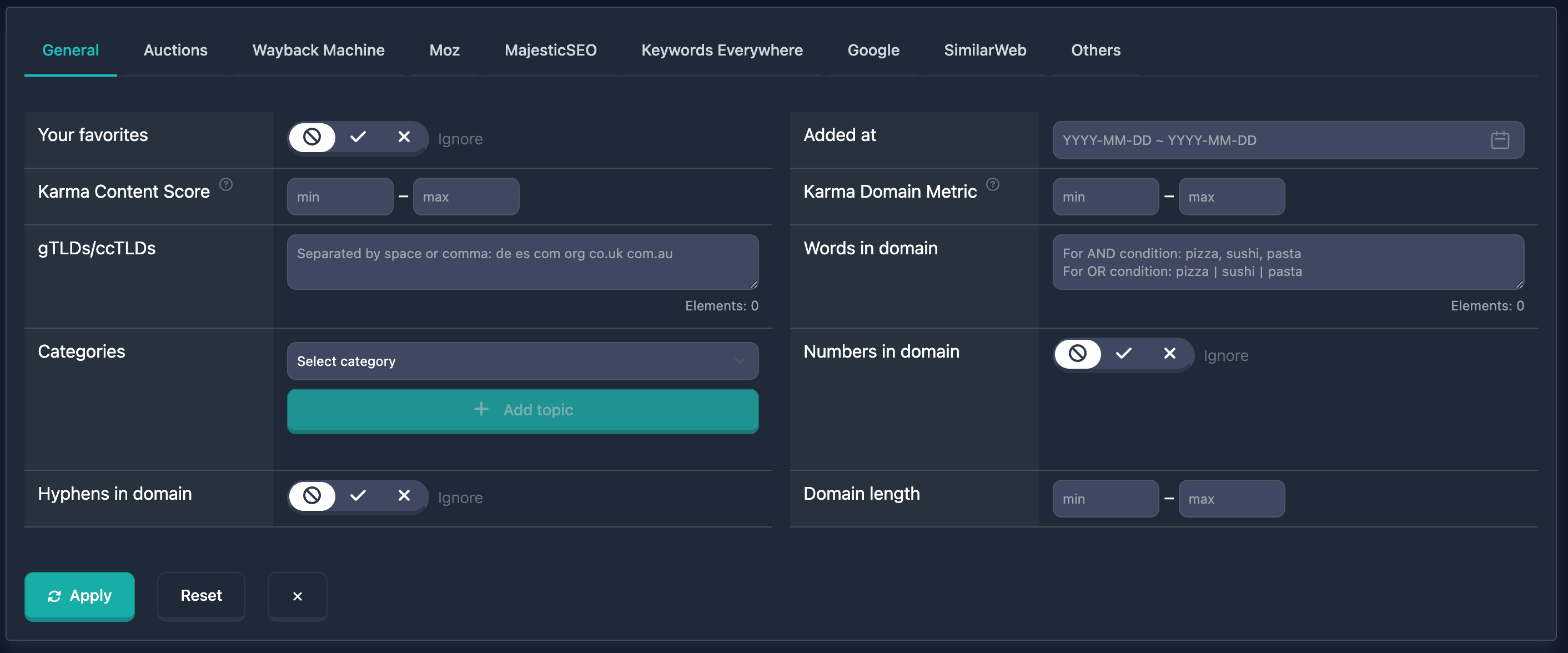
The Categories block in the main filters has been updated. You can now filter domains by topic not only through inclusion, but also by excluding unwanted niches — or combine both lists in a single search.
Select a category in the dropdown and click Include or Exclude. Selected values appear as badges in the Included and Excluded sections; Clear All resets both lists. Below the buttons — quick presets: one click adds a ready-made set of categories to your current selection, without duplicates.
- No pharma / casino / adult — excludes gambling, adult, and pseudo-health
- No toxic niches (incl. crypto) — excludes crypto, scams, extremism, and other high-risk categories
- Add local business — includes restaurants, shops, home services, and related topics
The category catalog is now flat — no subcategories. The filter is available to all users and in all table types.