In the AI Summary block in domain reports, you can now translate the English description to your browser language. Just click the «Translate to [language]» button next to the heading — the text will be translated, and you can restore the original with the «Original» button if needed.
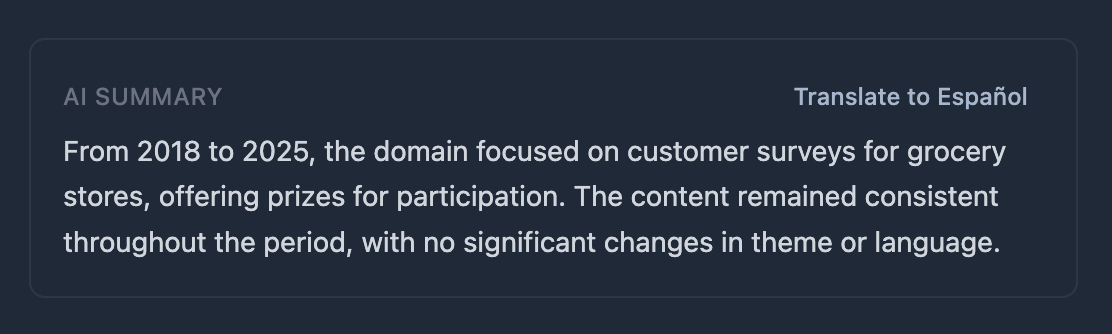
For any domain report with a filled AI description, when the browser language is not English, a translation button is shown. Chrome uses the built-in Translation API (on-device translation); other browsers use a free translation service with no data sent to our servers.